Private room
Create a room and share the link. Only people with the link can join, which makes it ideal for friends and family.
Create a private room, send one link, and sit down at the same browser table. No signup, no install, and AI fills any empty seats so the game can start fast.
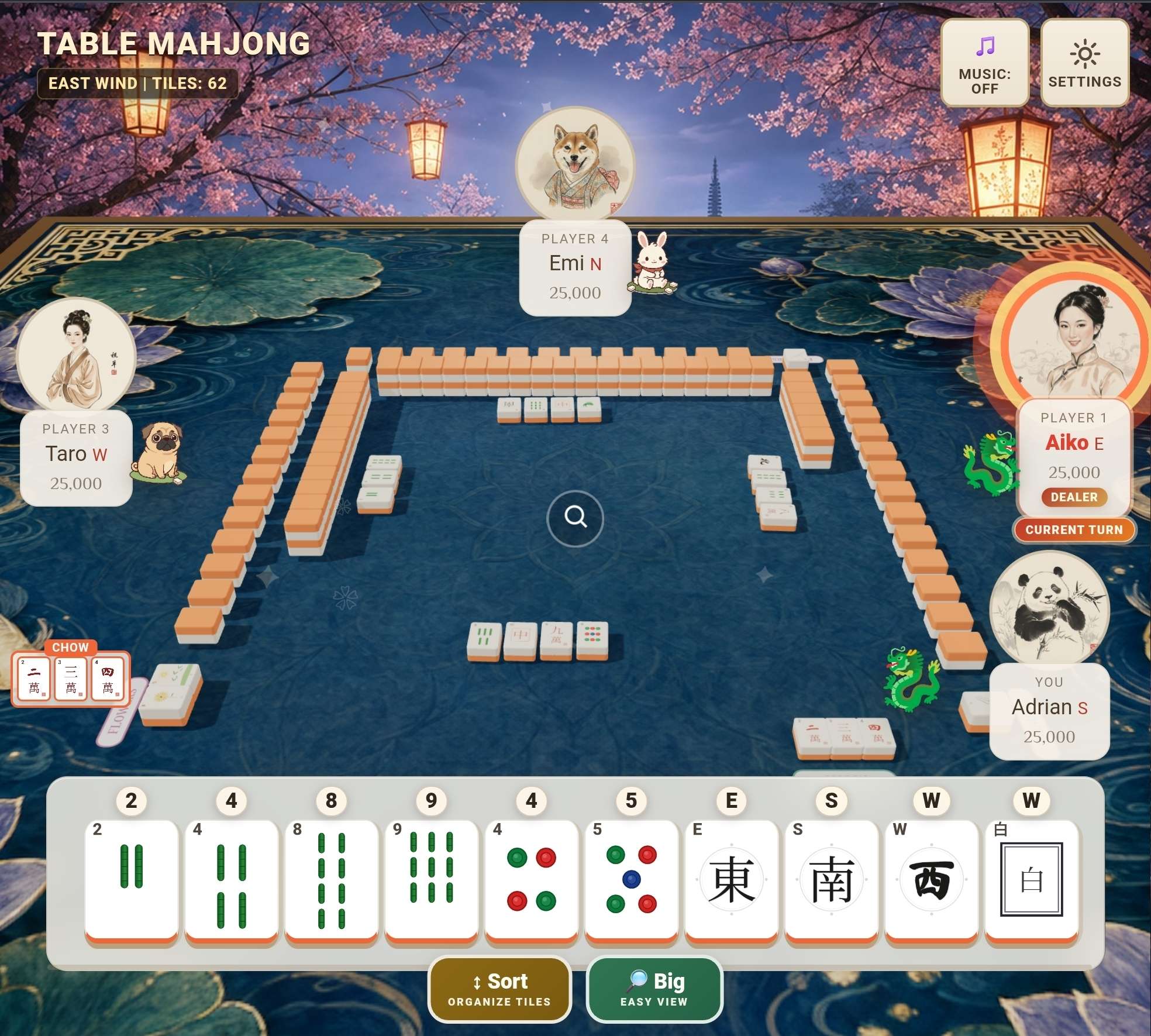
Table Mahjong is a free browser game for multiplayer Hong Kong Mahjong. Start a private room to play with friends, or practice solo against AI. It works on desktop and mobile without downloads or accounts.
Table Mahjong is built for real social play: family games, remote friend nights, and fast practice when only one or two people are available.
Create a room and share the link. Only people with the link can join, which makes it ideal for friends and family.
Play against three AI opponents whenever you want a hand. No need to wait for other players.
You do not need four humans online at once. Empty seats can be filled by AI so the table starts immediately.
Most Mahjong nights begin with a real person inviting other real people. Private rooms match that habit: create a table, send a link, and start playing.
Send your private-room link to friends, then start when your group is ready. AI can fill empty seats.
Players can join from desktop, laptop, tablet, or phone. Everyone sees the same real-time table, including discards, claims, scoring, and wins.
No one needs to install an app just to join a table.
Do I need an account?
No. Open the site, create or join a room, and play.
How many players can join?
Up to four human players can join a private room. AI fills any empty seats.
Can I play public multiplayer?
Quick Match is temporarily paused while our player community grows. Play solo against AI or invite friends to a private room. We plan to bring public matchmaking back when more players can overlap; no reopening date is set.
What rules does it use?
Table Mahjong focuses on Hong Kong / Cantonese Mahjong rules with automatic claims and scoring.